Sweetgreen Pickup
Know where your order is before you walk in.
I redesigned order pickup so every order had its own cubby, and customers knew which one before they arrived.
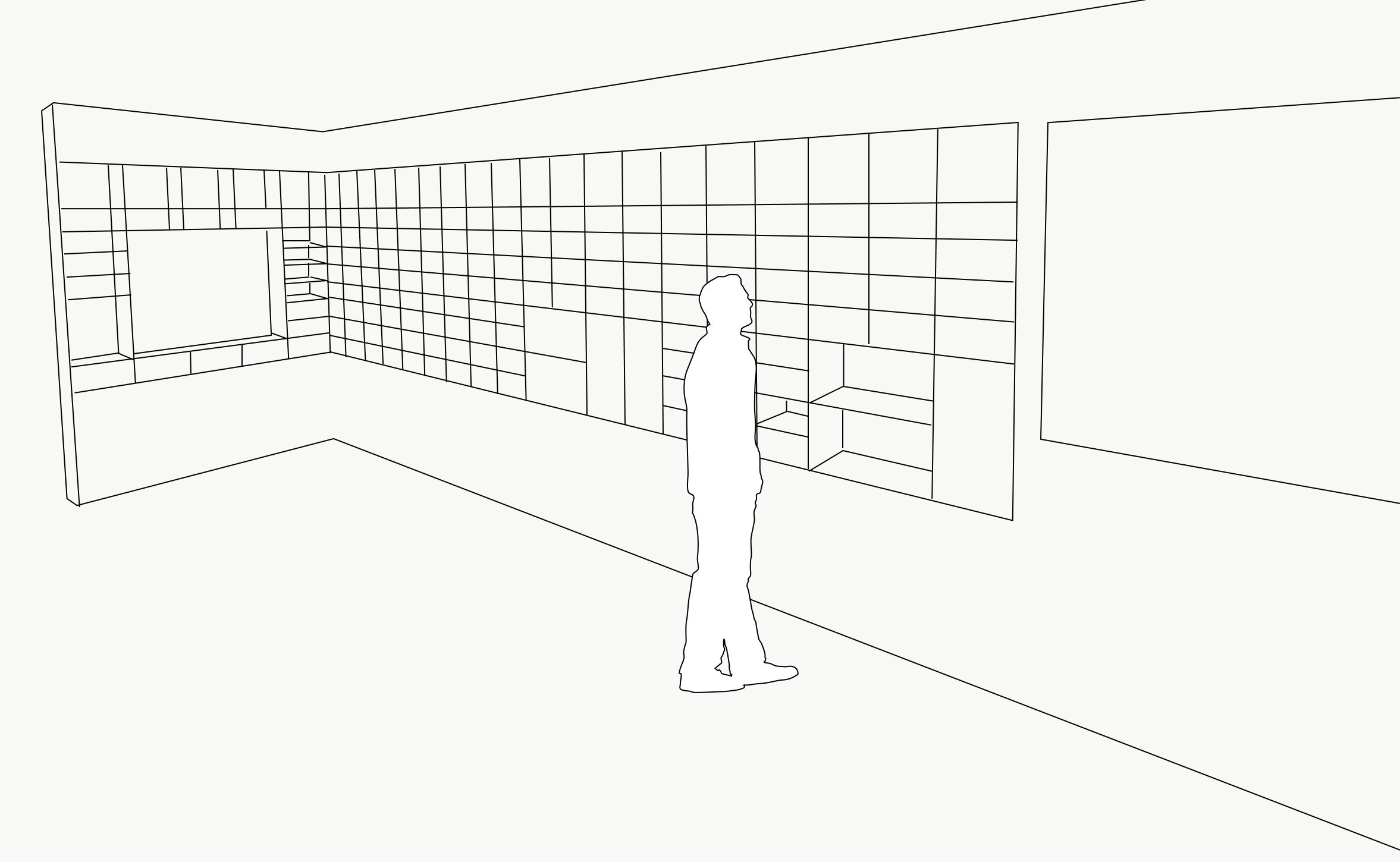
At peak lunch, 100+ orders could be waiting at once.
As mobile ordering grew during COVID, finding a finished order became the bottleneck, creating congestion for customers and couriers alike.
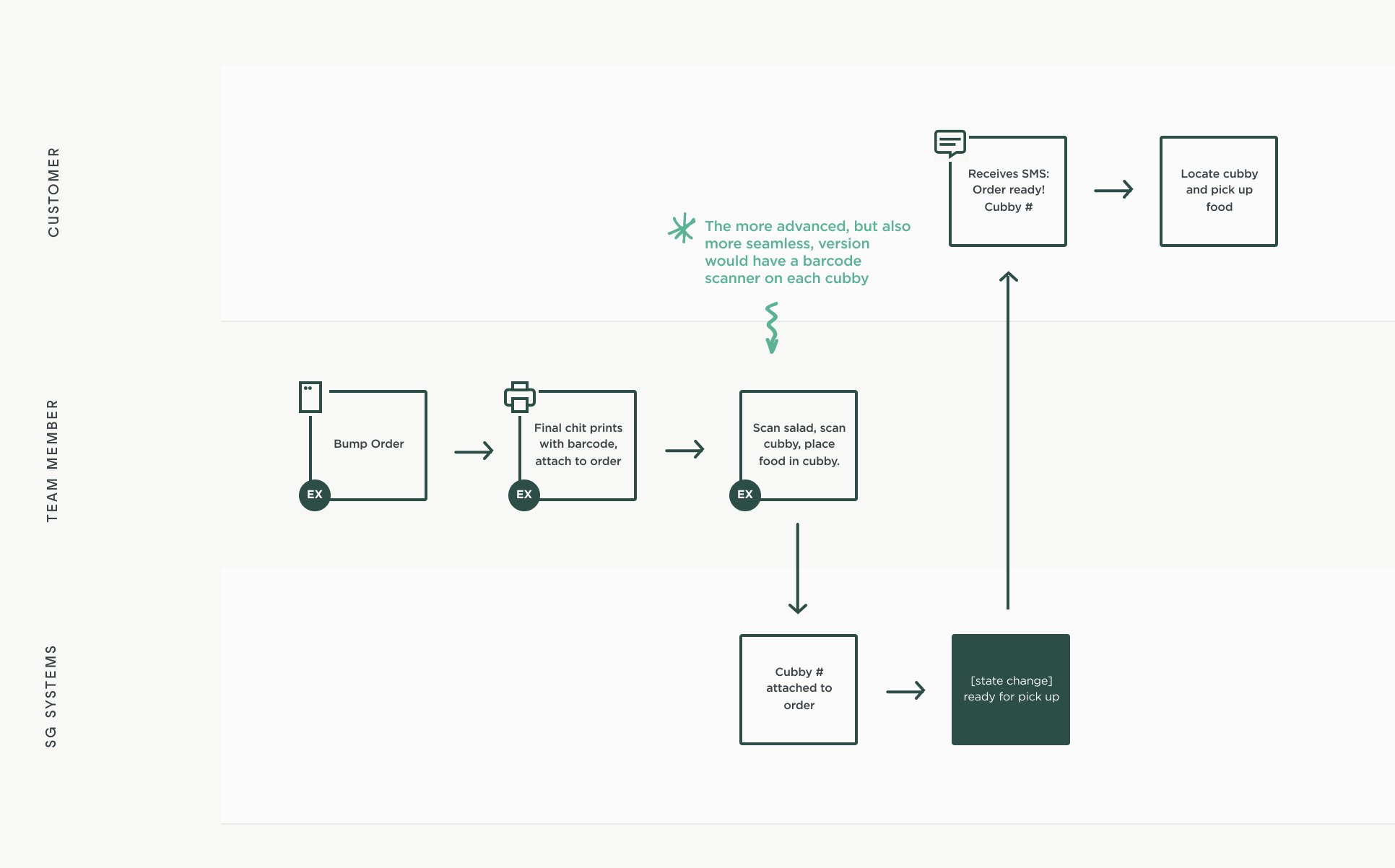
Every order got its own address.
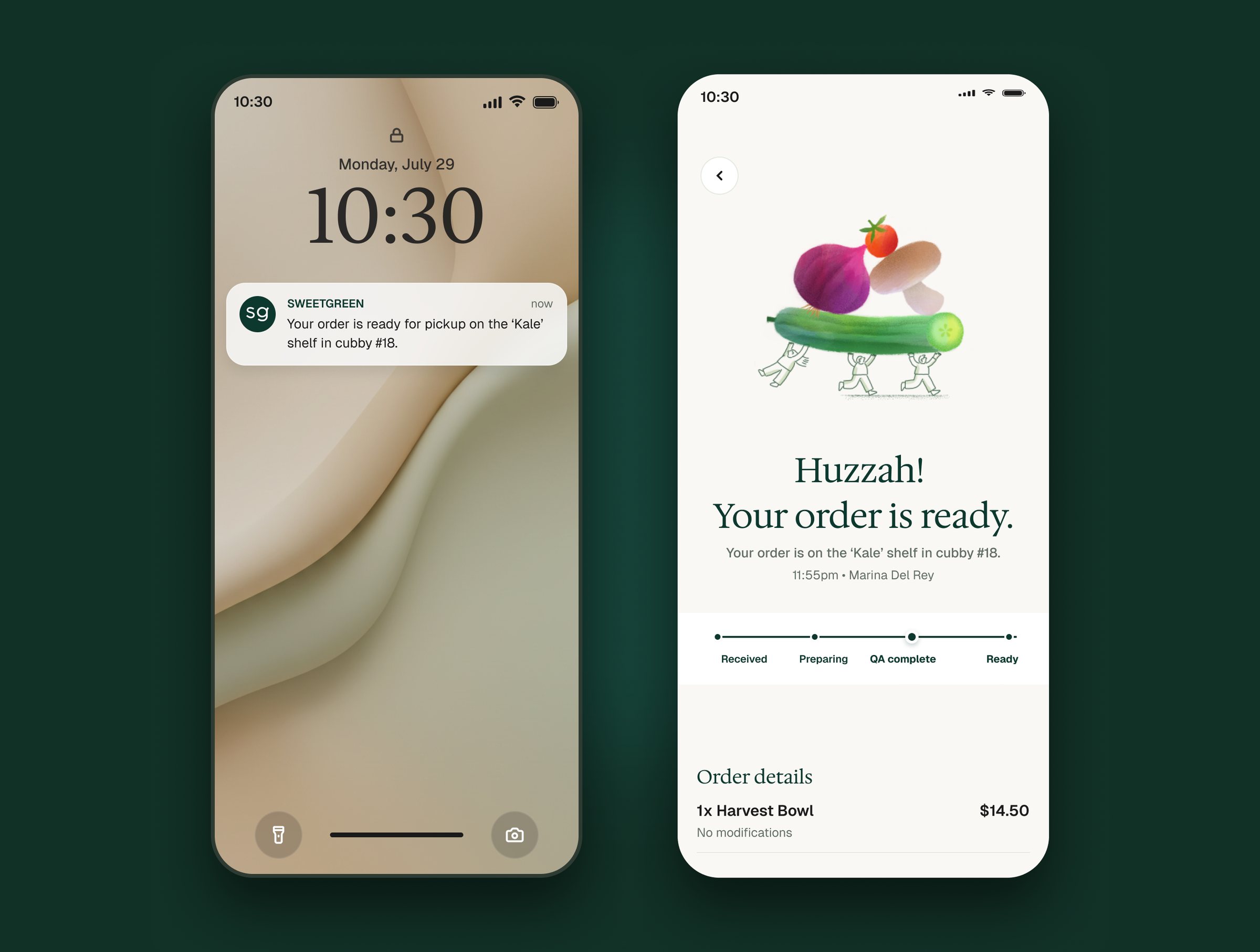
Each order went to a specific cubby instead of a shared counter. The cubby number showed up in the order-ready notification, the app, and an in-store display.
One scan connected the bowl to its cubby.
Team members scanned the order and the cubby it went in. The system attached the cubby to the order and told the customer where to find it.